Tectonic AI
Where AI Agent Orchestration Fits Into Business Automation
Our first two posts looked at how AI can help businesses understand internal data with AI-powered business intelligence and gather outside information with AI research agents. This post moves into what happens once there is something to act on. Someone still has to move information, check what happened, or make sure the next step gets done.
In recent research, 66% of surveyed AI users said AI allowed them to spend more time on higher-value work. Workflow automation can help create more of that room by carrying routine steps forward instead of leaving them for someone to handle manually. As several agents and steps become part of the process, AI agent orchestration helps keep that work connected.
How Agentic Automation Differs From Rule-Based Workflows
Traditional automation already has a firm place in business. Nearly 60% of companies surveyed had implemented technology to automate tasks previously handled by employees. These systems work especially well when the path is clear. A form comes in, its information moves into another system, and a notification goes out. Once the rules are set, the workflow follows them.
Agentic automation gives the workflow more flexibility when that path starts to vary. An agent might read an incoming request, work out what kind it is, and choose an approved route based on what it finds. That flexibility opens up work where every case does not follow the same path, though the limits around those decisions still matter.
AI Agent Orchestration Keeps the Work Connected
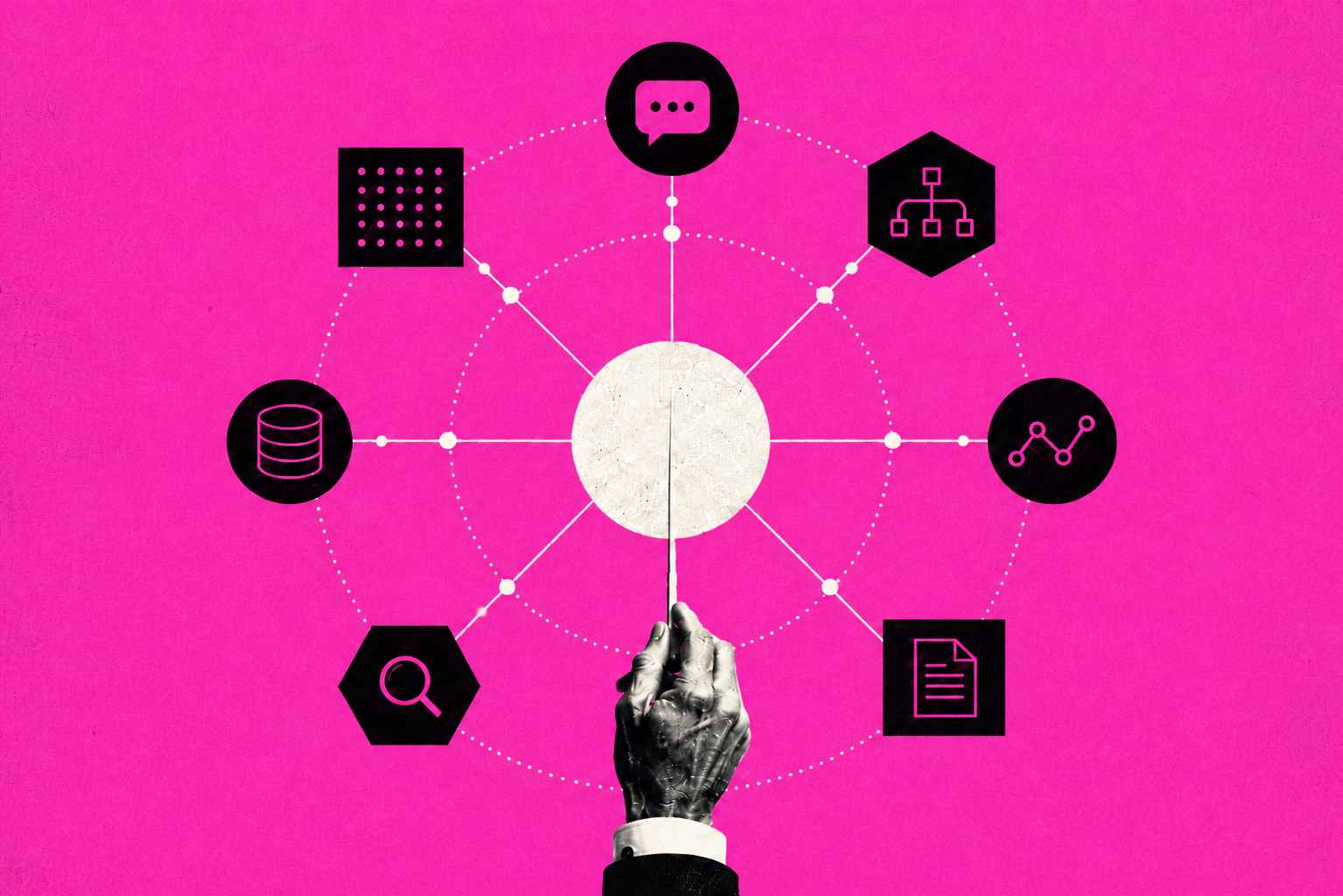
AI agent orchestration coordinates several agents and steps around one larger outcome. Think about a service request that needs to be sorted and researched before anyone can act on it. One agent can handle the first step, then pass what it found to the next. The orchestrator handles task assignment and keeps track of where the work stands.
That handoff depends on context carrying forward. Shared workflow memory can keep track of earlier findings and where the process stands, so the next agent does not have to start over. Some workflows keep most of that coordination in one orchestrator, while others spread more of it across agents or systems. The structure can vary depending on the work.
How Agents Divide and Pass Along the Work
The right coordination pattern follows the work. Some processes need a strict order. Others can save time by running tasks together, while some need a specialist only after the situation becomes clear.
Work Passed Step by Step
Employee onboarding is a good example of sequential orchestration. One agent might collect approved information before another prepares account requests. The later task has something clear to wait for.
Work Run in Parallel
Some tasks have no reason to wait on each other. With concurrent orchestration and parallel agent execution, one agent might review project data while another checks recent team messages. Both can finish before someone brings the results together.
Work Handed to a Specialist
A general agent may reach a point where another agent is better suited to continue. Handoff orchestration can route an account question, for example, to an agent with the right customer information and access.
Agents Working as a Team
Some problems benefit from more than one view. One agent may prepare a first pass while another checks it, with a manager agent deciding what still needs attention. That kind of hierarchical orchestration can help when the work is less linear.
Where Orchestration Starts to Pay Off
The strongest use cases usually involve work that already crosses people, tools, or departments. Workers switch between apps and websites roughly 1,200 times a day, losing close to four hours a week just getting reoriented. Multi-agent orchestration can help where several steps need to stay connected, especially when one agent's work becomes context for the next.
- Employee onboarding: A sequential workflow can carry approved employee information through setup, training, and follow-up steps, while sending unusual cases to the right person.
- Meeting follow-up: One agent can pull action items from meeting notes, then hand those tasks to another part of the workflow for follow-up or tracking.
- Project management and status updates: Agents can work in parallel across project tools and team messages, then bring that context together into a status update for someone to review.
- Daily briefings: A workflow can gather open tasks, schedule changes, and recent project activity from several sources before preparing a briefing.
- Inbox and message triage: An agent can sort incoming messages first, then hand requests to a specialist agent or a person when the next step requires more context or authority.
- Incident response: Several agents can check alerts, recent system changes, and diagnostic information at the same time. Shared workflow state can keep those findings together while a person decides what needs attention first.
- Professional services workflows: Agents can carry context between research, proposal work, client updates, and project tracking tied to the same engagement.
The value comes from keeping the work connected. Each agent needs enough context to pick up where the last one stopped, while governance sets limits around what each agent can do.
Start With Automating Work You Already Understand
At current capability, AI agents could perform tasks that account for about 44% of US work hours. That creates a wide range of possible starting points, but technical potential alone does not tell a business where to begin. The best first candidates are usually processes the business already understands. If the inputs change constantly or no one agrees on what “done” means, automation carries that uncertainty with it.
- High volume: Repetitive work gives the time savings more chances to add up.
- Clear inputs: The process should start with information the system can identify reliably.
- Defined finish: Someone should be able to tell when the work is complete.
- Repeatable decisions: Agentic automation fits better when the judgment stays within known limits.
- Visible value: Look for less manual handling, faster turnaround, or less time spent chasing the next step.
- Manageable complexity: A simple sequence may hold up better than a larger multi-agent workflow when both can do the same job.
The setup and ongoing oversight still have to earn their place. For many businesses, a narrow workflow with a clear result is a better starting point than trying to automate a large operation all at once.
Buy, Configure, or Build Your AI Agents
The more standard the work is, the more likely a ready-made option can cover it. An AI agent marketplace may offer agents built around common products or business tasks, while a vertical AI agent can narrow that focus to one industry. That can be a solid starting point when the workflow is familiar and the systems involved are already supported.
As the work gets more specific, businesses have more reason to shape the agent around their own process. A no-code AI agent builder, AI task automation software, or a custom GPT can cover many focused needs without a full custom build. Custom development starts to make more sense when the workflow crosses several systems or needs to follow business-specific rules, though that also means more to build, test, and maintain.
More Agents Mean More to Control
Every extra agent creates another dependency. If one passes along a weak result, later steps may build on it before anyone notices. Those dependencies can add up quickly, turning a useful workflow into something that takes more effort to watch or repair than expected. For most teams, the simplest pattern that handles the job is a solid starting point.
Autonomy brings a different set of questions. Only 23% of organizations report having a formal, enterprise-wide strategy for managing AI agent identities, and just 18% are highly confident their current identity systems can handle them. An agent that can read email or update a live record should have only the access that job requires. Least-privilege permissions help set that boundary.
The workflow itself needs limits too. Approval gates can bring a person back in before higher-impact actions, while policy enforcement and execution limits keep agents within the rules set for the process. Teams also need a way to see what happened after the workflow runs. Execution monitoring can show where something stopped, while an audit trail gives someone a record to review if a decision or failure needs another look.
The Next Step Is Connecting More of the Work
Taken together, these uses of AI start to form a larger workflow. AI-powered BI helps businesses understand their own data. Research agents bring in outside information, while orchestration carries that work forward. That shift is likely to matter more over time, with 58% of employers expecting robotics and automation to transform their business by 2030.
For now, the opportunity is more focused: connect a few useful workflows. The Model Context Protocol, or MCP, is one emerging way to help AI systems work with outside tools and information. As those connections grow, access rules need to keep pace, with people deciding where automation belongs and which actions still need review.
Put AI Agent Orchestration to Work With Tectonic
Tectonic AI can help turn these ideas into a workflow that makes sense for your business. That starts with finding where automation can save meaningful time, where agents can take on more of the process, and where people should stay involved. As AI takes on more of the process, the value will come from how well those pieces work together.